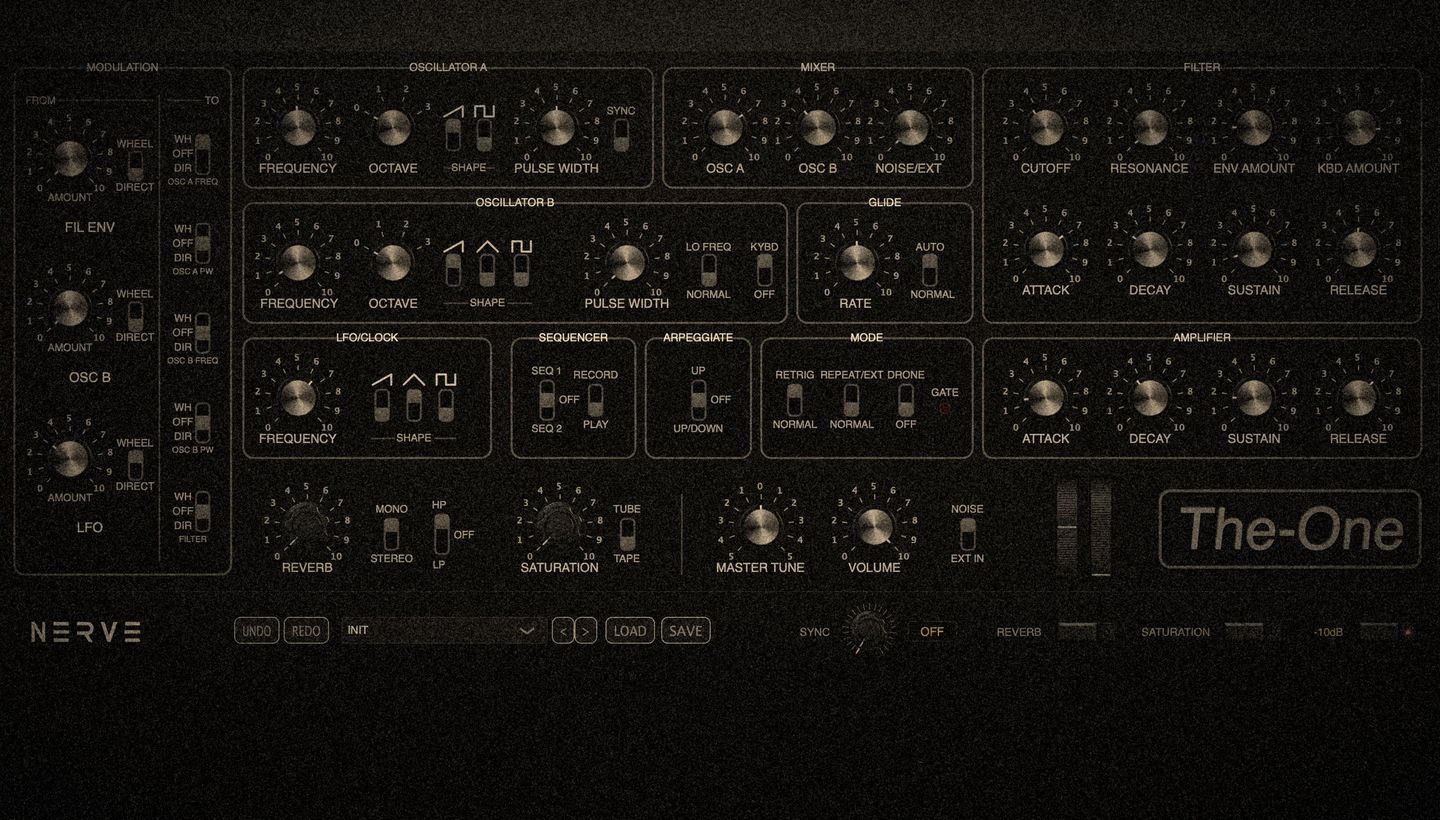
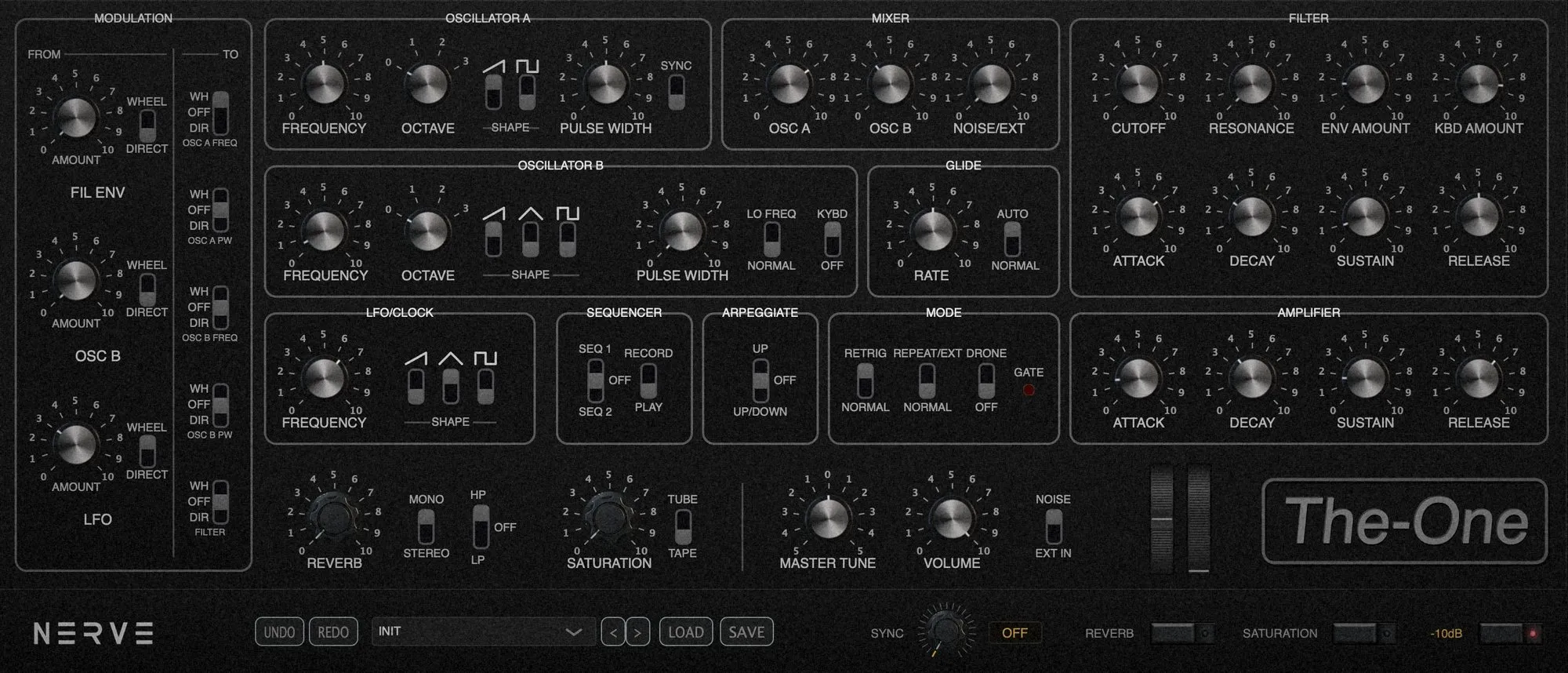
The-One, front panel

Emulation of the 1981 Sequential Circuits Pro-One

Monophonic synthesizer · circuit emulation

VST3 · AU · Standalone — macOS · Windows

The instrument

Built from the original schematics and service manual, The-One models every stage of the signal path with its imperfections, the very ones that give the Pro-One its character. Not a reproduction: a study that sounds.Built from the original schematics and service manual, The-One models every stage of the signal path with its imperfections, the very ones that give the Pro-One its character. Not a reproduction: a study that sounds.

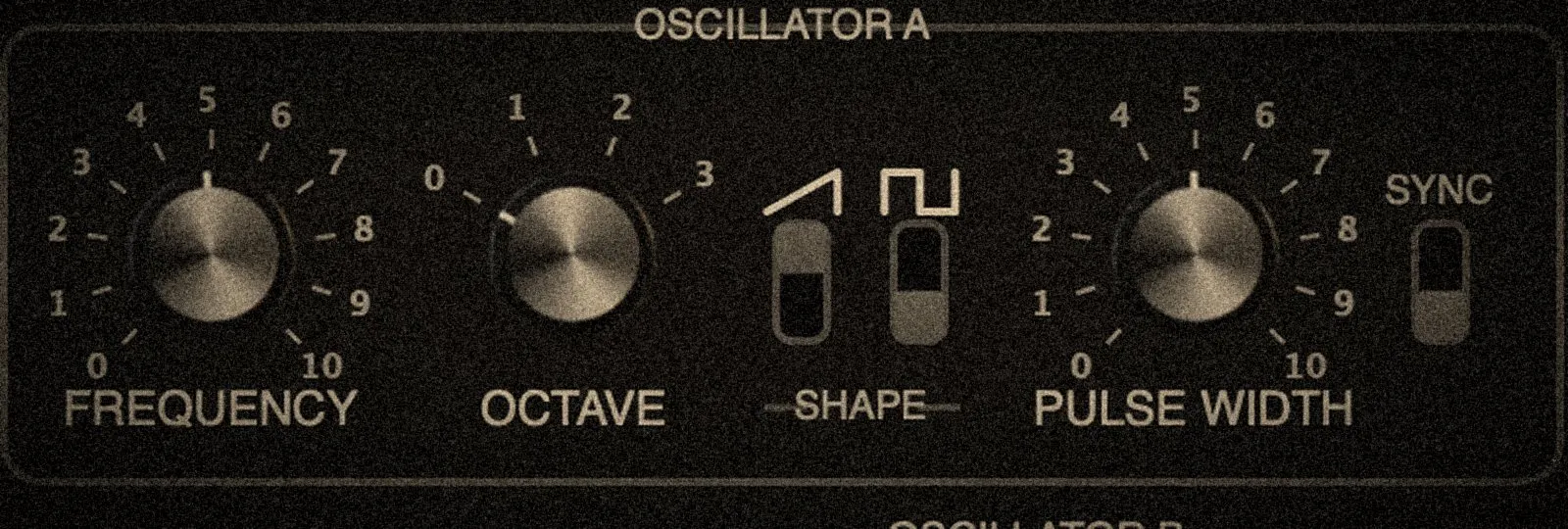
Oscillators, close-up

Oscillators

Two oscillators: sawtooth, triangle and variable-width pulse, with sync.

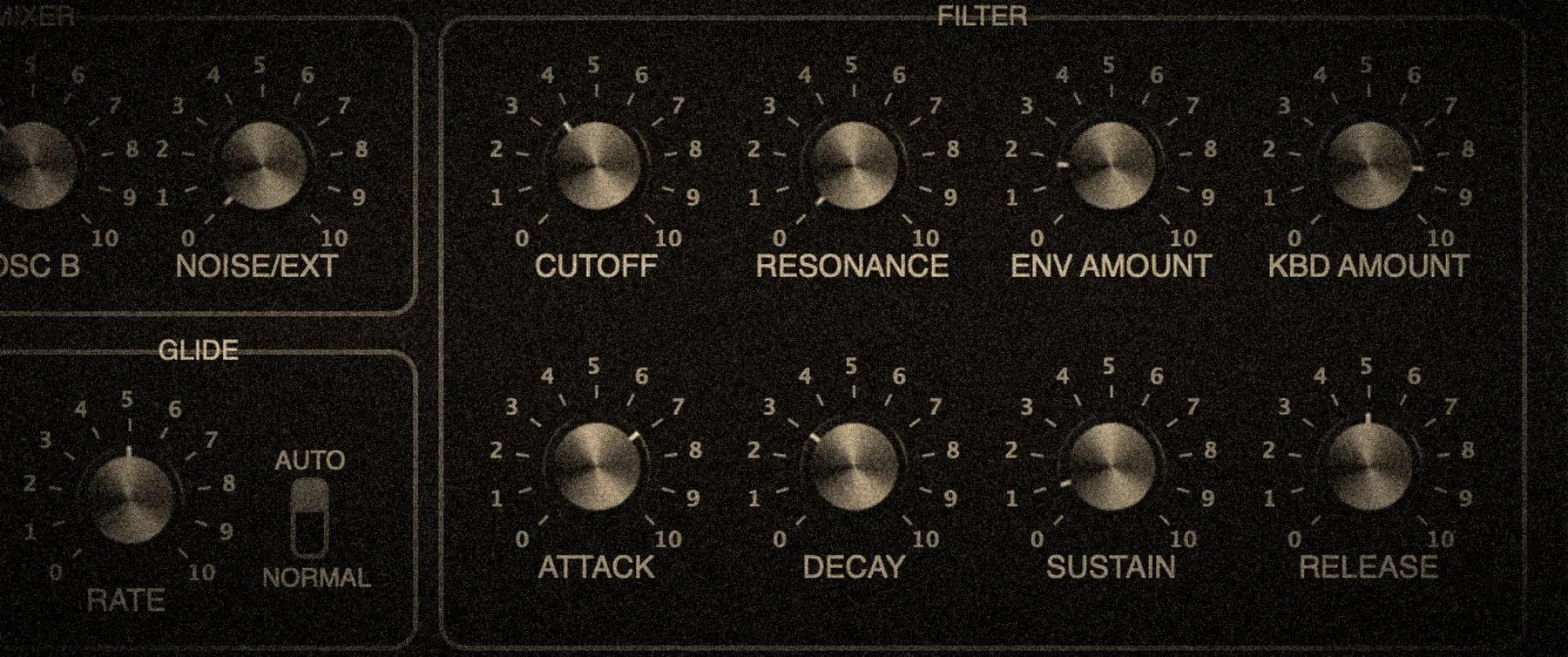
Filter, close-up

Filter and envelopes

The Pro-One filter and its CEM3310 envelopes, with keyboard tracking and envelope amount.

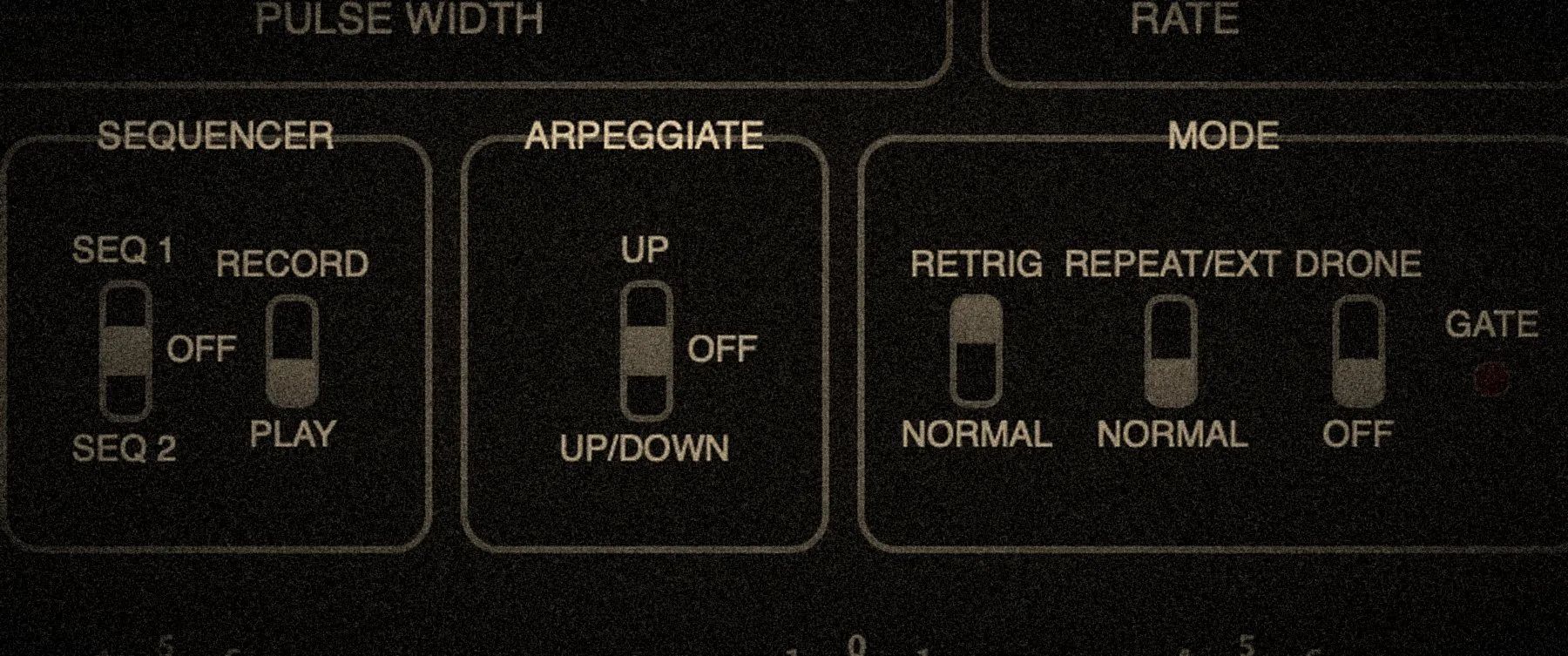
Sequencer and arpeggiator, close-up

Sequencer and arpeggiator

Two sequences, an up or up/down arpeggiator, and drone mode.

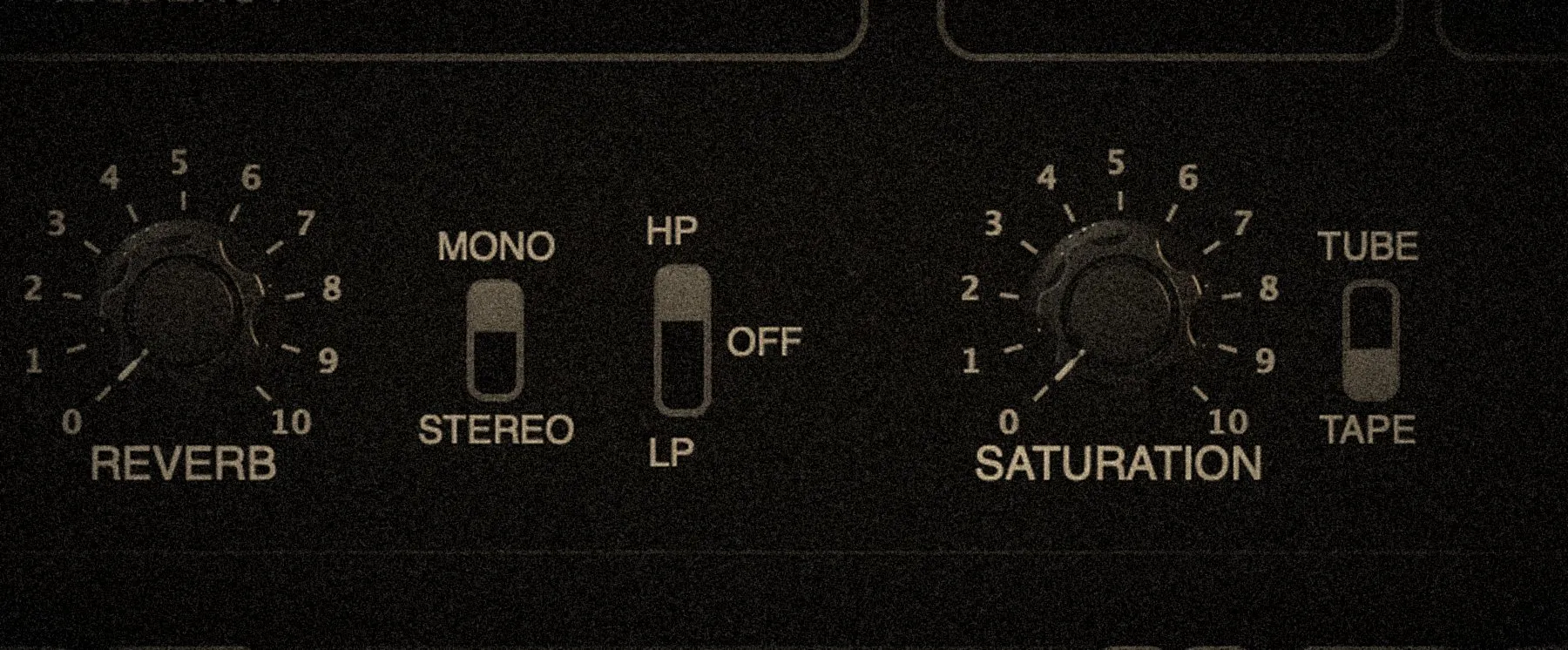
Saturation and reverb, close-up

Tube, tape, reverb

12AX7 tube or Revox B77 tape saturation, and a reverb with high-pass or low-pass filter.

Preview

The instrument's engine, in your browser. Every control, without the preset library: turn the knobs, play.

The playable preview needs a computer: large screen, keyboard or MIDI controller.

QWERTY keyboard: A W S E D F T G Y H U J K · Z / X = octaveAZERTY: Q Z S E D F T G Y H U J K · W / X = octave

Specifications

Model
Sequential Circuits Pro-One (1981)
Chips
CEM3340 · CEM3320 · CEM3310 · CA3280
Sequence
Sequencer · arpeggiator
Saturation
12AX7 tube · Revox B77 tape
Effects
Reverb · sidechain input
Presets
20 · from the original manual
Formats
VST3 · AU · Standalone
Systems
macOS 11+ Universal · Windows 10+ 64-bit

Changelog

1.0.2September 2026
  • MIDI Learn: mappings are now global. They are stored on your computer and come back in every new instance, whatever the project or DAW.
  • Presets: the < and > arrows now also step through your user presets, after the factory ones.
  • Presets: keyboard navigation with the arrow keys (left / up: previous, right / down: next) when the plugin window is focused.
  • Presets: user presets are listed directly in the menu, under “User presets”.
Questions

Is the demo limited?

No. Every feature, with no time limit and no signup; a periodic noise reminds you it is a demo, until you purchase a license.

Do I need an internet connection?

No. The license is validated offline: no connection is needed, neither to activate the instrument nor to play it.

Are updates paid?

No. It is a one-time purchase and updates are free.

How do I receive my license?

By email, as soon as the payment goes through. It is also shown on the order confirmation page.

Get The-One

49 €

One-time purchase · free updates

Buy